Home-screen widgets
See monthly spending against your budget. Larger widgets add recent activity and card caps.
Track spending across your cards, compare estimated rewards, and see what’s changed. All from your bank alerts. No bank login needed.
Take a look inside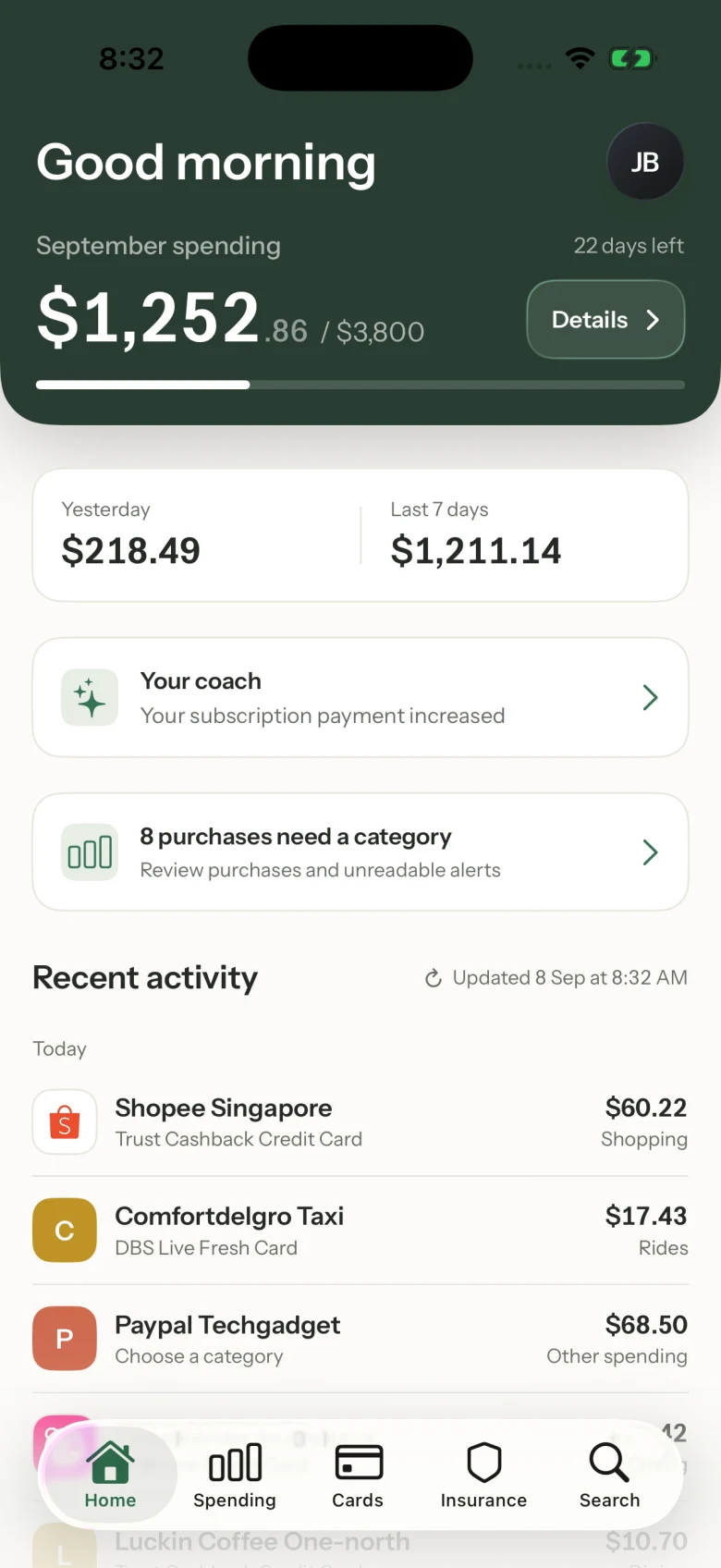
Actual app screens. Sample data.
Built around the bank alerts you already get







Forward alerts yourself, set up a forwarding rule, or connect Gmail or Outlook. Choose how your alerts reach Cashcade.

Explore spending, card rewards, insurance and your coach.
See the records behind each view.
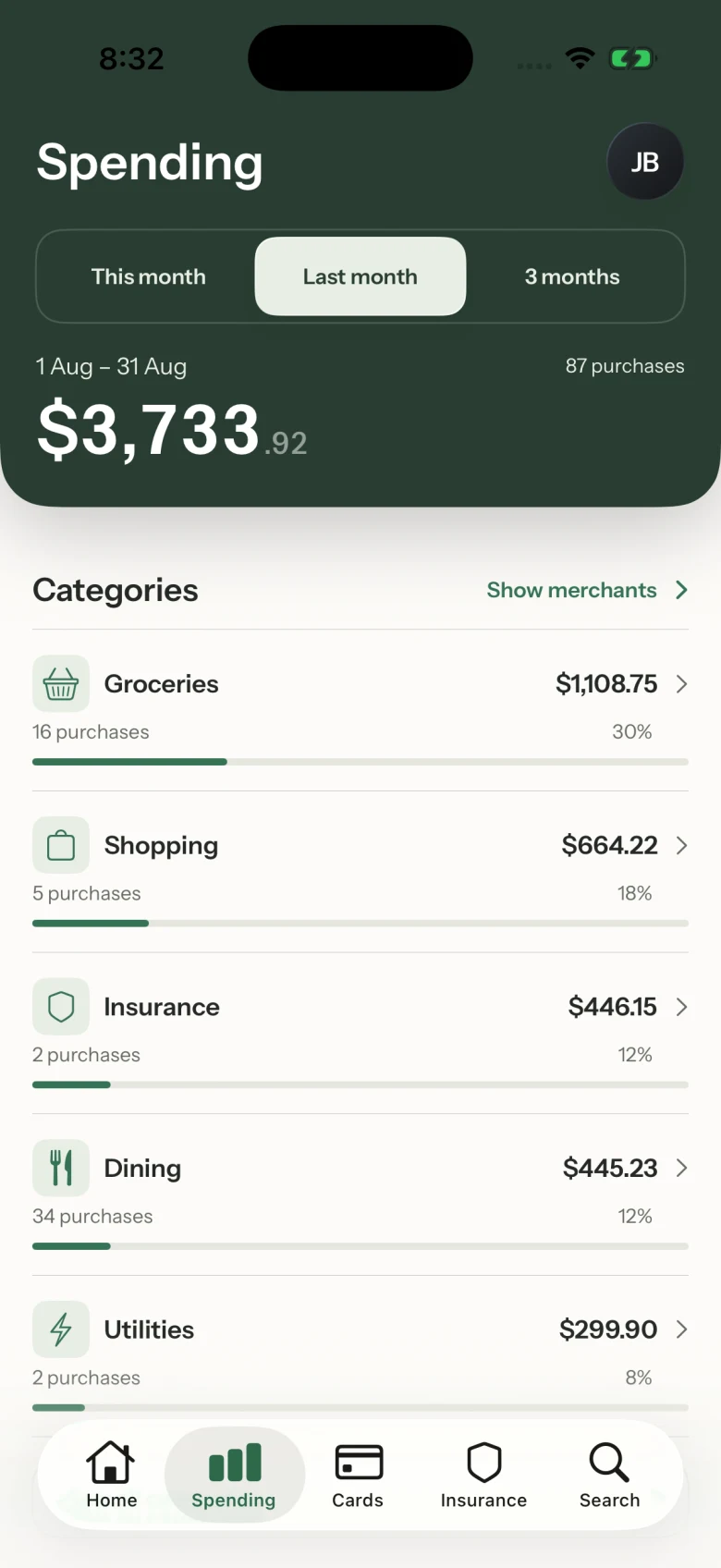
Check your monthly budget, explore categories and see which merchants account for your recorded spending.
Totals are based on the transactions received by Cashcade.
See monthly spending against your budget. Larger widgets add recent activity and card caps.
Get coach updates when changes are found, with quiet hours and controls to mute topics or turn notifications off.
Share spending totals and categories. Keep individual purchase details private.
Turn on Smart Receipts to find purchase and subscription details in a connected inbox. Earlier receipts can help identify recurring charges; those matches are labelled.
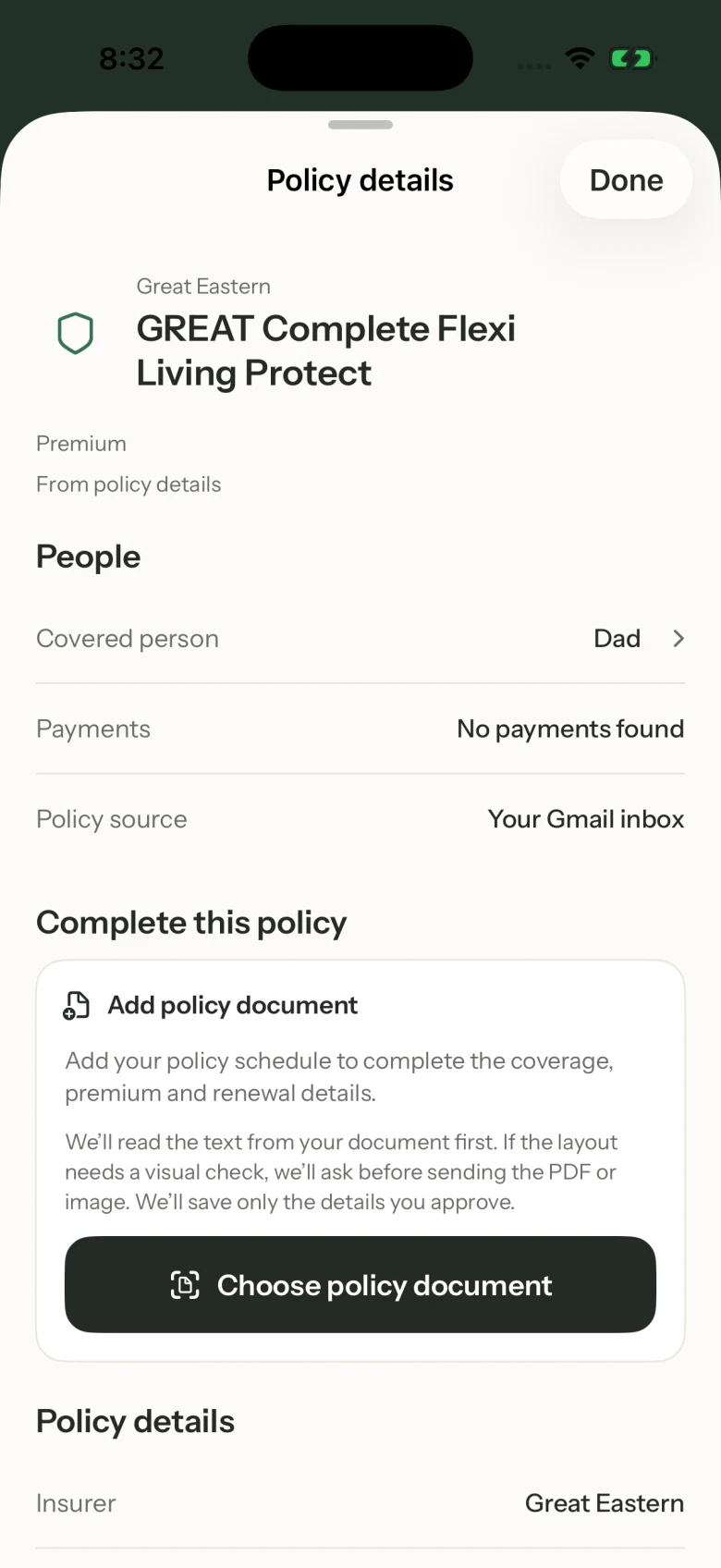
Bring premium payments and available policy information into one view. See which plan a payment belongs to when a match is found.
Forward your bank alerts to track your spending. Your bank login is never needed.
Forward alerts without inbox access, or connect Gmail or Outlook. Connected bank-alert searches use the banks you select.
Receipt searches need your permission and a connected inbox. You can pause matching in Settings.
Cashcade turns supported bank-alert emails into spending records. Forward alerts yourself, set up a forwarding rule, or connect Gmail or Outlook. Your bank login is never needed.
Cashcade records purchases from the supported alerts it receives. Missing emails, unsupported formats and your bank’s alert threshold can leave gaps. Set that threshold to the lowest available amount. You can also choose to import older bank-alert emails.
No. You can forward bank alerts without giving Cashcade inbox access. Connecting Gmail or Outlook is optional and grants inbox permissions; bank-alert searches are limited to the banks you select. Smart Receipts is a separate opt-in. Manage connections in Settings → Email setup.
When enabled, Smart Receipts searches a connected inbox for receipts and subscription details for new purchases. It can use an earlier receipt to help identify a recurring charge; those matches are labelled. Matches depend on the emails available. You can pause matching in Settings.
Your coach highlights changes in recorded spending, recurring payments and supported card caps. Open an insight to see its supporting purchases or ask a follow-up question. AI replies may be inaccurate, so check the records. You can turn off coach notifications or mute individual topics; insights remain available in the app when notifications are off.
No. Recommendations and reward amounts are estimates based on supported card rules, payment methods, merchant categories and the spending Cashcade has recorded. Missing transactions, exclusions, reward caps and your bank’s final classification can change what you earn.
Yes. Household members see shared spending totals and categories. Your personal feed shows purchases from the cards and accounts you select. Individual purchase details, including merchants, dates and payment methods, stay private.
Cashcade is in development, with early access planned for iPhone. Join the waitlist and we’ll email you when access opens. We haven’t announced a public launch date or pricing yet.
Be among the first to try it on iPhone.
Leave your email. We’ll be in touch when early access opens.